
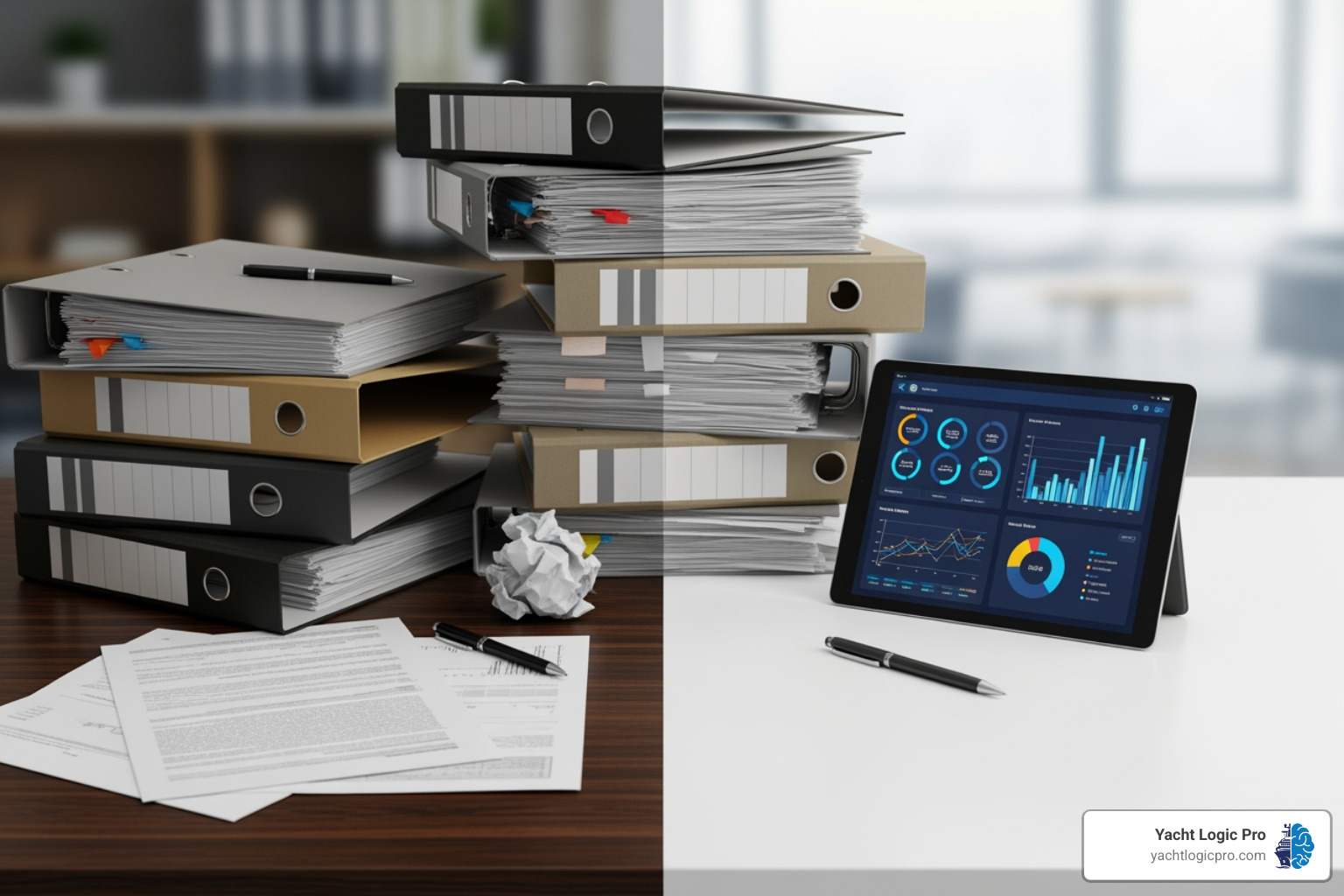
Why Digital Work Flow Matters for Your Marine Business
A Digital work flow is the automation of any process that an organization uses to get things done, replacing manual, paper-based tasks with streamlined digital systems. It includes the procedures, tools, and plans for carrying out a series of tasks, from processing service requests and managing technician schedules to tracking inventory and generating invoices.
Key characteristics of a digital workflow:
- Automation – Manual tasks are converted to digital processes that run automatically based on predefined rules.
- Integration – All tools and systems work together, eliminating data silos and duplicate entry.
- Visibility – Real-time tracking shows exactly where each task stands and who is responsible.
- Efficiency – Reduces the time spent on repetitive tasks (which can consume up to 60% of an employee’s day).
Despite dramatic advances in consumer technology, workplace operations, especially in marine service businesses, still rely heavily on paper forms, spreadsheets, and manual processes. This creates a frustrating gap: you can book a restaurant with a few taps on your phone, but processing a work order might still involve paper routing, manual data entry, and long email chains.
That is the problem digital workflows solve. They transform chaos into clarity by creating a clear path from the moment a customer calls to the final invoice.
In this guide, you will learn exactly what digital workflows are, why they matter for your bottom line, and how to implement your first workflow in five practical steps. We will also show you real examples from marine service operations and explain the difference between simply digitizing a process and truly automating it.
What is a Digital Workflow? From Paper to Pixels
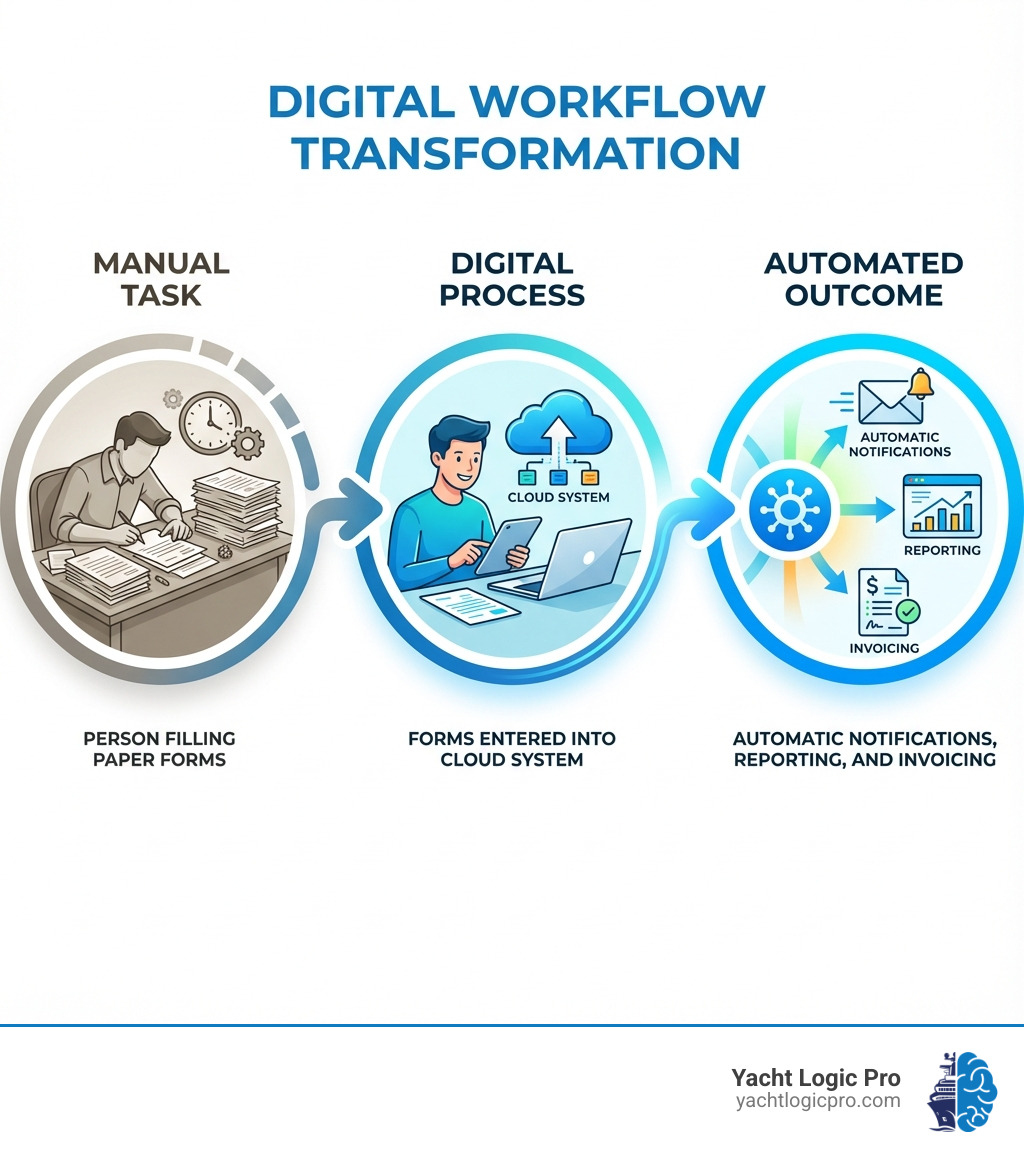
At its heart, a digital workflow is about taking any series of steps an organization uses to get things done and making that process entirely digital. Think of it as a carefully designed roadmap where tasks, data, and information flow seamlessly from one stage to the next, guided by technology rather than manual intervention. It’s the automation of any process that an organization uses to get things done.
This encompasses the procedures, the tools employed, and the overarching plan for executing a series of tasks. If there’s a sequence of actions to be taken, and we can make that sequence digital, then we’ve got ourselves a digital workflow.
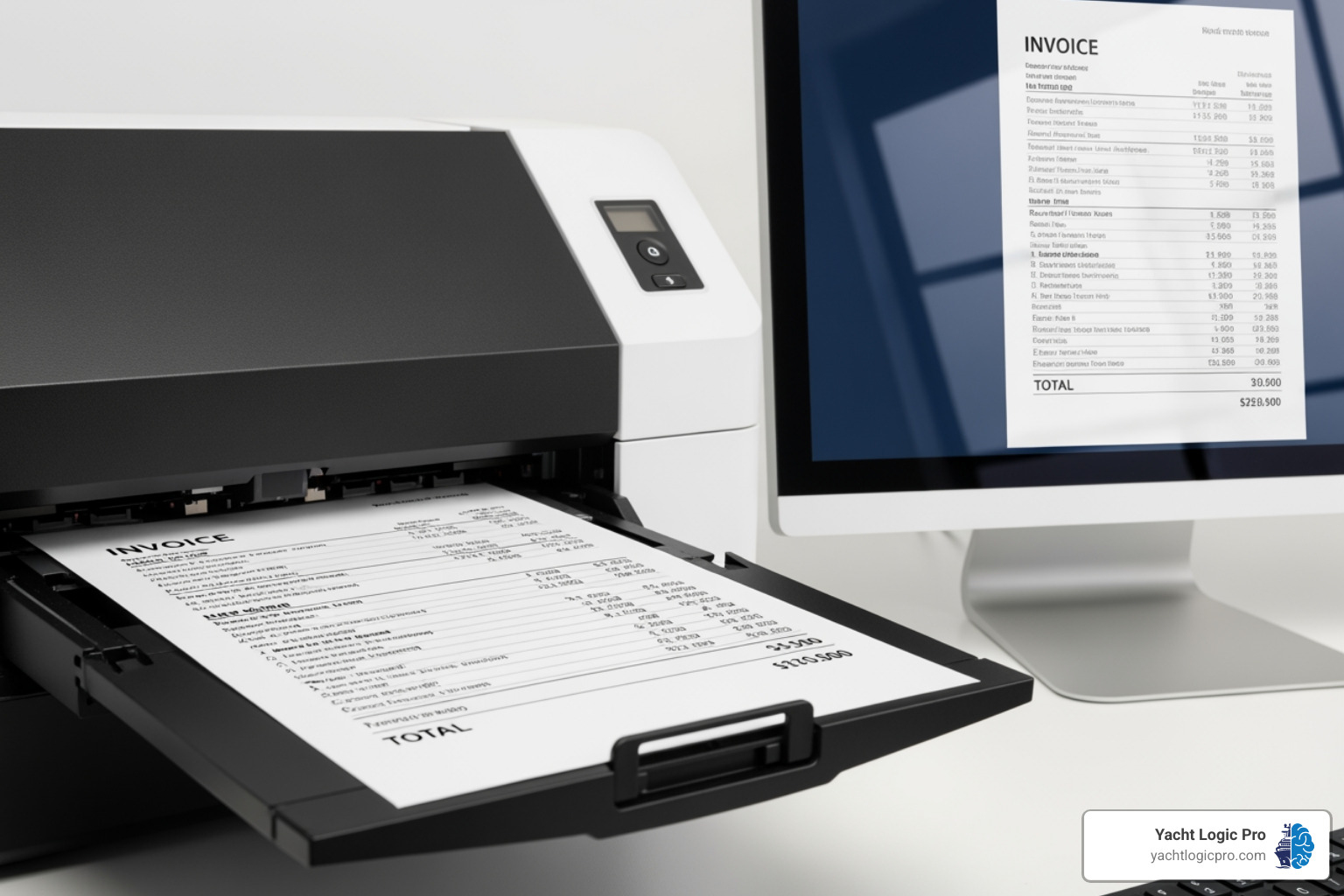
A crucial component of this change is document management. In many businesses, information still lives on paper: invoices, work orders, client agreements, and technician reports. Converting these physical documents into digital formats is often the first step in building a digital workflow. This document digitization provides the foundational tools that make digital workflows easier, faster, and trackable. A well-oiled document workflow system, from intake to storage, can dramatically increase your productivity. We can navigate the art and science of document workflows by moving from physical to digital.
The difference between a traditional paper-based workflow and a digital workflow is stark. Let’s look at how they stack up:
| Feature | Traditional Paper Workflow | Digital Workflow |
|---|---|---|
| Speed | Slow, reliant on physical movement and human action | Fast, often instantaneous, automated routing |
| Accuracy | Prone to human error, transcription mistakes | High accuracy, reduced manual entry errors |
| Visibility | Opaque, hard to track progress, information silos | Transparent, real-time tracking, clear accountability |
| Cost | High (printing, storage, manual labor) | Lower operational costs, reduced waste |
| Collaboration | Difficult, version control issues, delays | Seamless, cloud-based, real-time editing & comments |
Where a paper-based system might involve a physical form being hand-carried between desks for signatures, a digital workflow would route that form electronically, notify the next approver instantly, and store it securely in a central repository, all with a clear audit trail. This transition from physical to digital is where the magic begins.
The Core Benefits: Why Your Business Needs to Go Digital
Implementing digital workflows isn’t just about keeping up with technology; it’s about fundamentally reshaping how your business operates for the better. The benefits ripple across every aspect of your organization, leading to a more efficient, accurate, and profitable future.
One of the most immediate impacts is increased efficiency and a significant productivity boost. Think about it: routine tasks can chew up as much as 60% of an average employee’s time. By automating these mundane, repetitive processes, a digital workflow frees up your team to focus on more strategic, value-added work. This means less time spent on paperwork and more time dedicated to serving your clients and growing your business.
This efficiency naturally translates into reduced operational costs. Less paper, less printing, less physical storage, and fewer hours spent on manual data entry all contribute to a healthier bottom line. We’re talking about tangible savings that can be reinvested where they matter most.
Accuracy also sees a dramatic improvement, leading to fewer errors. Manual data entry is a common source of mistakes, which can be costly and time-consuming to correct. Digital workflows, with their predefined rules and automated data transfer, drastically minimize these human errors, ensuring data integrity from start to finish.
Improved team collaboration is another cornerstone benefit. Digital tools allow team members, whether in the office, on a vessel, or working remotely, to access, share, and collaborate on documents and tasks in real-time. Cloud-based platforms become a single source of truth, eliminating confusion over document versions and ensuring everyone is working with the most up-to-date information. As we use digital collaboration tools for better workflows, we notice how much smoother communication becomes.
Furthermore, digital workflows are data-driven decision-making machines. Every step, every approval, every completed task generates valuable data. This data can be analyzed to identify bottlenecks, measure performance against KPIs, and pinpoint areas for further optimization. This capability is why we believe data-driven yacht service is the future of the marine industry, empowering us to make informed choices that propel our business forward.
Finally, digital workflows offer unparalleled scalability and help ensure compliance. As your business grows, your digital processes can scale with you, easily handling increased volume without a proportional increase in administrative burden. In highly regulated industries like marine services, digital systems provide meticulous record-keeping and audit trails, making it easier to meet stringent regulatory standards and maintain safety protocols.

Creating Your First Digital Work Flow: A 5-Step Guide
Starting on the journey of creating your first digital workflow might seem daunting, but it’s a manageable process when broken down into clear steps. Our goal is to move from chaos to clarity, and a structured approach is key.
1. Analyze and Map Your Current Process
Before we can digitize or automate anything, we need to understand what we’re doing right now. This means conducting a thorough workflow audit of your existing manual systems.
- Identify manual tasks: Pinpoint every repetitive, paper-based, or spreadsheet-driven task that consumes time and is prone to error. These are our prime candidates for digital change.
- Talk to team members: The people who perform these tasks daily are your best resource. Involve them early to identify pain points, workarounds, and nuances that might not be obvious from a high-level view. Ask: “What are the critical tasks within this process?”, “How much time is typically needed for each task?”, and “Are there frequent project bottlenecks or human errors?”
- Document every step: Map out the current workflow carefully. This involves noting every step, decision point, handoff, and who is involved. Visual tools like flowcharts can be incredibly helpful here.
- Highlight pain points: Actively look for bottlenecks, delays, redundancies, and areas where errors frequently occur. These insights will guide your design of the new digital process.
2. Design the New Digital Workflow
With a clear understanding of your current process’s strengths and weaknesses, we can now design an optimized digital workflow.
- Set KPIs: Define clear, measurable objectives for the new workflow. What do you want to achieve? Examples include reducing completion time by X%, decreasing error rates by Y%, or improving data visibility.
- Simplify steps: Challenge every step in the existing process. Can it be eliminated? Combined? Reordered? Focus on streamlining the process to its core, eliminating unnecessary layers.
- Define roles: Clearly assign task ownership, review responsibilities, and approval authority within the new digital framework. Who does what, and when?
- Eliminate redundancy: Design the workflow to minimize manual interventions and prevent duplicate data entry. This is where we leverage the power of digital to ensure a single source of truth.
For marine service, this step is critical. We can streamline everything from the first call to the final invoice, ensuring a smooth, efficient process.
3. Choose the Right Digital Tools
Selecting the right software or platform is pivotal for the success of your digital workflow. This isn’t a one-size-fits-all decision; it requires careful consideration.
- Assess needs: What are the essential features and functionalities for your specific workflows? Do you need robust document management, advanced automation, mobile accessibility for technicians on the go, or strong integration capabilities?
- Scalability: Choose a tool that can grow with your business. It should be able to handle increasing volumes of tasks and data without becoming sluggish or requiring a complete overhaul.
- Integration capabilities: This is a big one. Your new digital workflow tool shouldn’t live in a silo. It needs to integrate seamlessly with your existing software (e.g., accounting, CRM). Look for platforms with APIs (Application Programming Interfaces) or pre-built connectors to avoid data silos and extra manual work.
- User-friendliness: An intuitive interface is paramount. If the tool is difficult to use, your team will resist adopting it. Minimal training should be required to get users up to speed.
- Security, reliability, and vendor support: Especially in marine service, data security is non-negotiable. Ensure the platform offers advanced security, compliance, and governance features. Check vendor reputation for reliability and responsive support.
To help you make an informed decision, we’ve put together a guide on what to look for in yacht service management software: a buyer’s checklist.
4. Implement, Test, and Train
The rollout phase is where your carefully designed digital workflow comes to life.
- Pilot program: Don’t roll out new workflows company-wide all at once. Start with a pilot program involving a small group or a single department. This allows you to identify and fix issues in a controlled environment.
- Gather user feedback: Actively solicit feedback from your pilot users. They’ll provide invaluable insights into what’s working well and what needs adjustment. Digital workflows may not function perfectly upon initial implementation and require iterative adjustments.
- Provide comprehensive training: Even the most intuitive software requires training. Tailor training to different roles and ensure everyone feels confident and competent using the new system. Don’t neglect this step!
- Address resistance to change: Change can be unsettling. Overcome resistance by clearly communicating the benefits of the new workflow, involving the team early in the planning phase, and providing adequate training and ongoing support. Emphasize how the new system will make their jobs easier, not harder.
5. Monitor and Continuously Optimize
A digital workflow is not a “set it and forget it” solution. It’s an evolving process.
- Track performance against KPIs: Regularly assess the workflow’s performance against the KPIs you set in Step 2. Are you achieving your objectives? Are there new bottlenecks emerging?
- Make iterative improvements: Based on your monitoring and user feedback, make continuous small adjustments to optimize the workflow. This might involve refining automation rules, updating procedures, or integrating new features.
- Adapt to evolving business needs: Our businesses are dynamic. As needs and technologies evolve, our digital workflows must adapt. Regular process audits are crucial after digitalizing a process to ensure intended function and efficiency, and to continue optimizing workflows over time.
Digitization vs. Automation: Opening up True Efficiency
It is easy to use the terms “digitization” and “automation” interchangeably, but understanding their distinct roles is key to opening up true efficiency with digital workflows.
Digitization is the act of converting information from an analog format into a digital one. Think of scanning a paper document into a PDF. The information is now digital, easier to store, share, and access. A digital workflow can exist at this level, managing tasks, data, and processes digitally rather than relying on paper-based methods. It is about minimizing manual interventions and errors while maximizing efficiency by simply being digital.
Automation, on the other hand, is the use of technology to perform tasks without human intervention, based on predefined rules. It is about making things happen automatically. So, while scanning a document is digitization, automatically routing that scanned document to the correct folder, notifying the relevant team member, and initiating an approval process based on its content, that is automation.
Here is a simple analogy: imagine you have a well-tested recipe for a cake. Writing that recipe down in a digital document, making it searchable, and accessible on your tablet is digitization. Now, imagine you build a robot chef that can read that digital recipe, gather all the ingredients, mix them, and bake the cake without you lifting a finger, that is automation. The digital recipe (digitization) is a prerequisite for the robot chef (automation) to work.
A global Harvard Business Review Analytic Services survey in June 2023 found that 94% of respondents highlighted the significance of digital workflow automation for their organization. This is not surprising, because the true power lies in combining both. Digitization provides the digital framework and data, while automation puts that framework into motion, executing tasks in a consistent and reliable way. When we talk about digital workflow automation, we are talking about streamlining operations by changing manual processes into self-executing systems. This reduces inefficiencies, minimizes human error, and optimizes business operations, allowing us to accomplish more with less effort.
Real-World Examples of Digital Workflows in Action
To truly grasp the power of digital workflows, let’s look at some tangible examples, including how they can transform marine service operations.
A Digital Work Flow for Marine Service Operations
For marine service businesses, the impact of a digital workflow is profound. Imagine the typical process from a client’s initial call to the final payment:
- Service Request: A client calls with a repair need. Instead of jotting it on a notepad, the request is immediately entered into a digital system, creating a new service ticket.
- Technician Dispatch: The system automatically checks technician availability, certifications, and proximity to the vessel. The optimal technician is assigned, and their schedule is updated digitally, with real-time notifications sent to their mobile device.
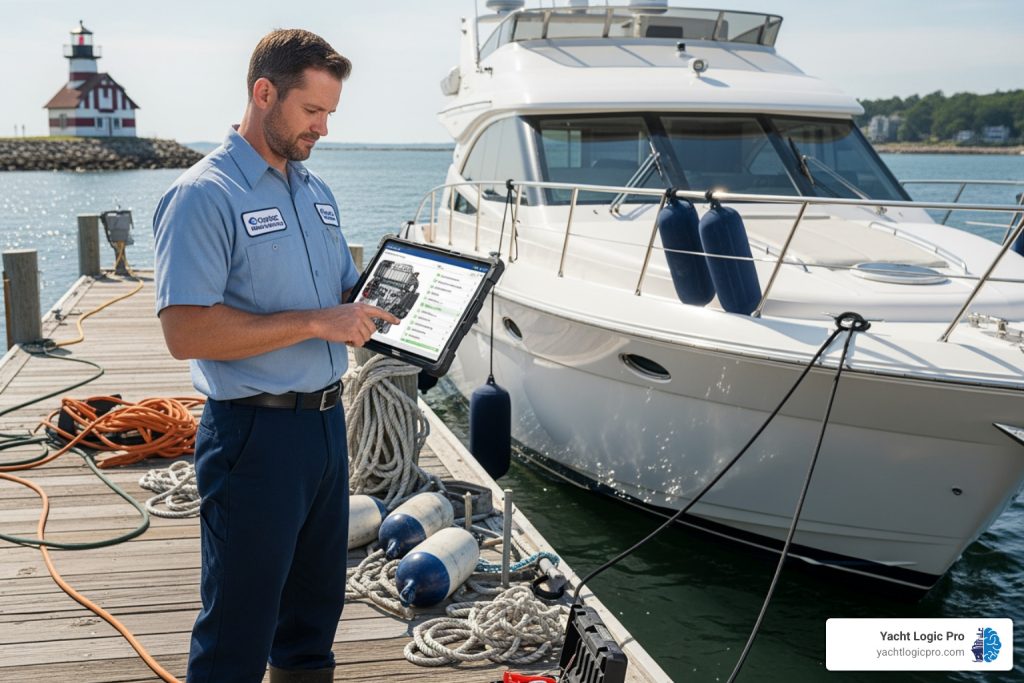
- Work Orders: The assigned technician receives a digital work order on their tablet, outlining the job details, necessary parts, and client history. They can add notes, photos, and even client signatures directly into the digital form.
- Parts Inventory: As parts are used, they are logged in the digital work order, which automatically updates inventory levels and triggers reorder alerts for low stock.
- Invoicing: Upon job completion, the digital work order is instantly converted into an invoice, pulling in labor hours, parts used, and any applicable charges. The invoice is sent to the client electronically, and payment can be processed digitally.
This entire process, from dock to dashboard, connects your entire marine team, eliminating paperwork, reducing delays, and ensuring accuracy at every step. This is precisely what our AI-powered marine maintenance and operations software aims to achieve, unifying operations and eliminating manual data entry for our clients.
A Digital Work Flow for Employee Onboarding
Beyond direct service operations, digital workflows are invaluable for internal processes, such as bringing new team members on board.
- HR Processes: Once a candidate accepts an offer, an automated workflow is triggered in HR. This sends out initial paperwork (digital forms!), background check requests, and welcomes emails.
- Automated Paperwork: New hire forms are completed electronically and routed for digital signatures, eliminating stacks of paper and manual filing.
- IT Equipment Requests: The HR system automatically notifies the IT department to provision a new laptop, set up email accounts, and grant necessary software access.
- Access Permissions: Based on the new employee’s role, the system automatically assigns appropriate access levels to various digital tools and databases.
This streamlined approach ensures new hires have everything they need on day one, making their experience smooth and getting them productive faster.
Case Study: Changing the Customer Experience
One powerful example of a digital workflow changing the customer experience comes from the retail pharmacy sector. In 2020, facing the challenges of the COVID-19 pandemic, a major worldwide chain needed to update its pharmacy experience. Through collaboration and planning, this chain transformed how customers interacted with its thousands of storefronts. Everything from ordering medicines to prescription pickup went digital. This digital change enabled personalized recommendations and reminders for millions of customers, showcasing how digital workflows can not only streamline internal operations but also revolutionize customer engagement on a massive scale.
Frequently Asked Questions about Digital Workflows
As we dig deeper into digital workflows, a few common questions often arise. Let us tackle them directly.
What types of business processes are best for digital workflows?
The best candidates for digital workflow implementation are typically processes that are:
- Repetitive: Tasks performed over and over again, like processing payments, sales orders, customer service claims, new hire paperwork, vacation requests, or incident reports.
- Rule-based: Processes that follow a clear, predictable set of steps and decision points. If-then scenarios are ideal for automation.
- Involve multiple stakeholders: Workflows requiring input, review, or approval from several people or departments, such as invoice approvals or contract management.
- Require extensive documentation: Processes where meticulous record-keeping is essential, like managing supply chains, marketing campaigns, or regulatory compliance.
- Time-sensitive: Tasks where delays can have significant consequences, making efficiency paramount.
If a process involves a series of steps, and those steps can be defined and followed consistently, it is a prime candidate for a digital workflow. Studies suggest that around 43 percent of work processes can be automated, so there is likely a lot of potential in your business.
How do I overcome team resistance to a new digital workflow?
It is natural for people to be wary of change. Overcoming team resistance is crucial for successful digital workflow adoption. Here is how we approach it:
- Involve the team early: Do not spring a new system on them. Involve key team members from the analysis and design stages. Their input will make the workflow more practical and give them a sense of ownership.
- Communicate benefits clearly: Explain why the change is happening. Focus on how the new digital workflow will make their jobs easier, reduce frustrating manual tasks, and free them up for more interesting work.
- Provide thorough training: Adequate training is essential. Ensure everyone understands how to use the new tools and processes, offering ongoing support and opportunities to ask questions.
- Start with small wins: Implement simpler digital workflows first to demonstrate tangible benefits quickly. This builds confidence and shows the team that the new way of working is genuinely better.
- Address concerns directly: Listen to their fears and frustrations. Sometimes, a simple adjustment or clarification can alleviate significant anxiety.
How much of my work can be automated?
As mentioned earlier, a significant portion of business processes is suitable for automation. Data from industry research suggests that about 43 percent of work processes can be automated. Furthermore, routine tasks can use as much as 60% of an average employee’s time.
This does not mean 43% of your job will disappear. Instead, it means that a substantial amount of the repetitive, administrative burden can be lifted. Imagine what your team could achieve if 60% of their time spent on mundane tasks was freed up. They could dedicate more time to:
- Client relationship building
- Strategic planning
- Innovation and problem-solving
- Skill development
- Complex, high-value projects
Not every aspect of every job can be automated, but a considerable amount of the tedious, time-consuming work can be, allowing us to focus our human talent on what humans do best: creativity, critical thinking, and empathy.
Conclusion: Your Next Step Towards a Streamlined Business
We’ve explored digital workflows, understanding their definition, how they differ from traditional paper-based systems, and the immense benefits they offer. From increasing efficiency and accuracy to fostering better collaboration and enabling data-driven decisions, the transition to digital is a game-changer for any business.
We’ve walked through the five essential steps to create your first digital workflow: analyzing your current process, designing the new one, choosing the right tools, implementing and training, and finally, continuously monitoring and optimizing. We’ve also clarified the crucial distinction between digitization and automation, highlighting how combining both open ups true operational excellence.
The examples from marine service operations and other industries demonstrate that digital workflows aren’t just theoretical; they are a practical, powerful solution to modern business challenges. They bring clarity to chaos, changing complex operations into streamlined, manageable systems.
The future of service is digital, and getting ahead in 2025 means embracing these transformative changes now. At Yacht Logic Pro, we understand the unique demands of the marine industry. Our all-in-one, AI-powered marine maintenance and operations software is designed to automate maintenance, manage technicians, track inventory, and sync finances for service-driven marine businesses. We save you time and boost your profits by unifying your operations and eliminating manual data entry.
Ready to transform your business from chaos to clarity? We invite you to book a demo with us today.